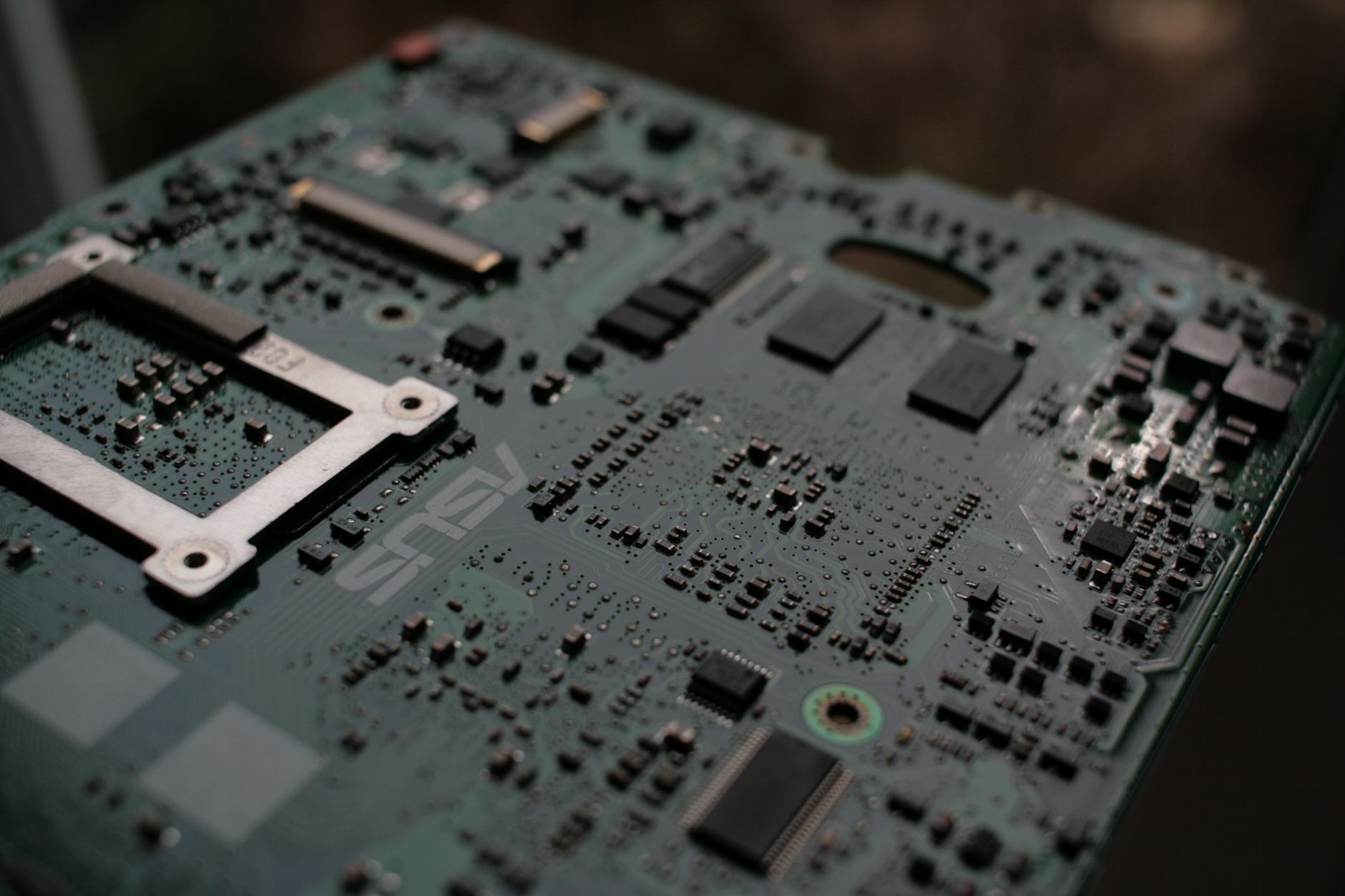
The build guide
Building a PC is not hard.Nobody shows you, that is all.
Ninety pages, photographed on our own bench rather than lifted from a manufacturer's press kit. It is the guide our apprentices learn from, and it assumes you know nothing at the start and everything you need by the end.
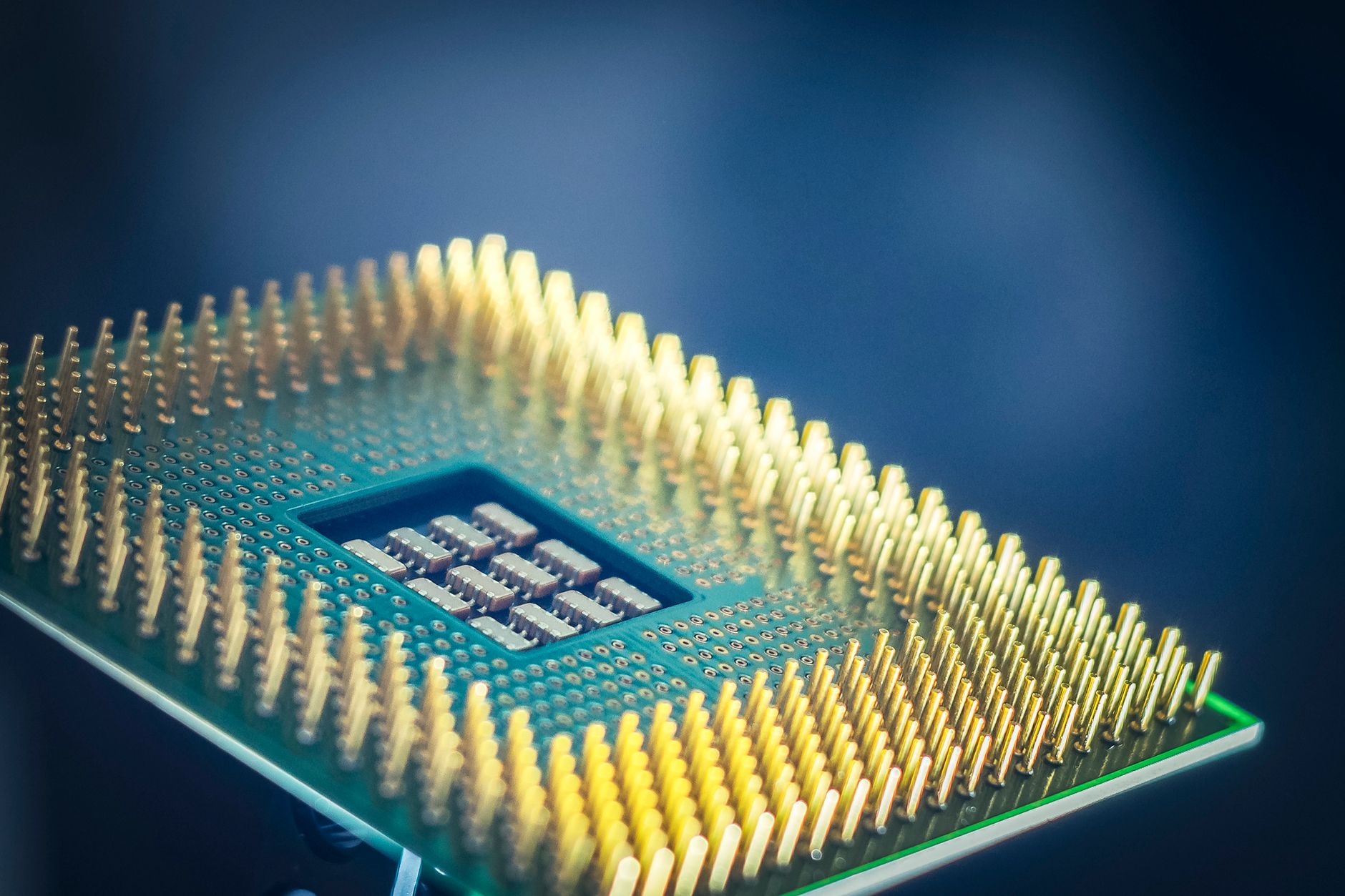
What is in it
Eight chapters, arranged in the order you will work through them.
-
01
Choosing parts that fit each other
Sockets, chipsets, clearances and power. These are the four things that stop a build working, and this chapter covers how to check every one of them before you spend anything.
-
02
Static, tools and the kitchen table
What you genuinely need, what the internet has scared you about for no reason, and how to set up so nothing gets dropped.
-
03
Motherboard out of the box
Processor, cooler and memory fitted outside the case, where you can see what you are doing.
-
04
Into the case
Standoffs, the rear panel, drive mounting, and getting the fans pointing the right way.
-
05
Power and cable routing
The part that separates a tidy machine from a bird nest. Photographed cable by cable.
-
06
First boot, and when it does not
Post codes, beep codes, the reseat checklist, and the five faults that account for nearly every dead first build.
-
07
Windows, drivers and the sensible settings
Getting it installed, getting the memory profile on, and the settings worth changing once.
-
08
Testing it properly
The same soak we run on our own machines, using free tools, so you know it is solid before you trust it.
Or build it with uson a Saturday.
Bring your parts to the workshop, take a bench for the morning, and put the machine together yourself with a builder beside you throughout. Every step is yours to do. Our job is to make sure nothing gets damaged and nothing gets missed. It is free with any parts bought through us, and £45 otherwise.
The guide
£10, printed and posted.
A5 and wire bound, so it lies flat beside whatever you are working on, and printed on paper heavy enough to put a screwdriver down on. UK postage is included.
Tell us where to send it and we will confirm payment by email. There is no account to create, and we do not ask for card details on this form.